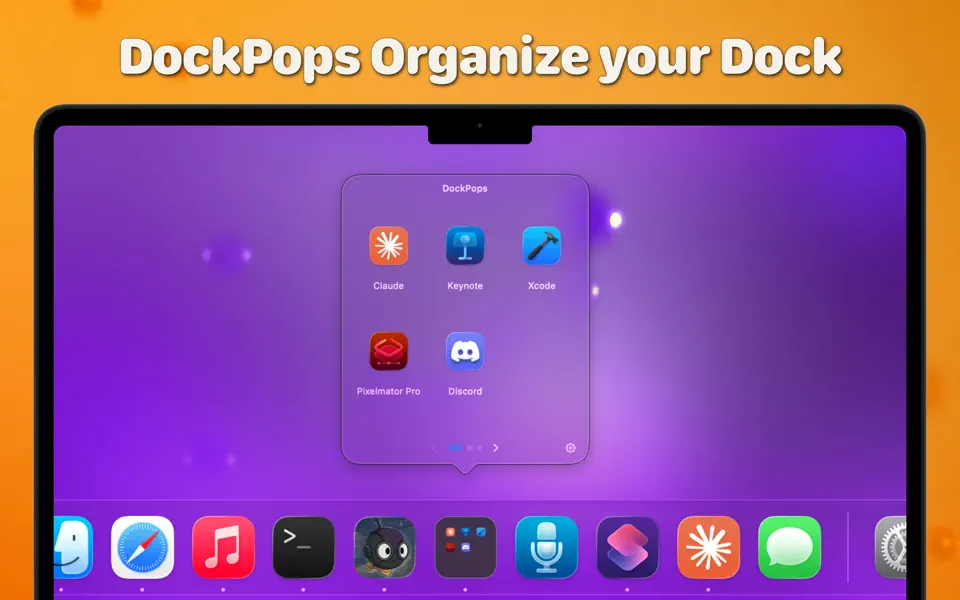
DockPops is a powerful productivity tool designed to streamline your macOS experience by bringing iPhone-style organization to your Dock. It allows you to declutter your workspace by grouping apps, files, and folders into “Pops”—interactive, customizable popover menus.
Key Features
- iPhone-Style Folders: Organize your most-used items into clean folders that live directly in your Dock.
- Launch with Speed: Click a Pop to instantly access a grid of apps or use the “Open All” feature to launch an entire project workflow with a single click.
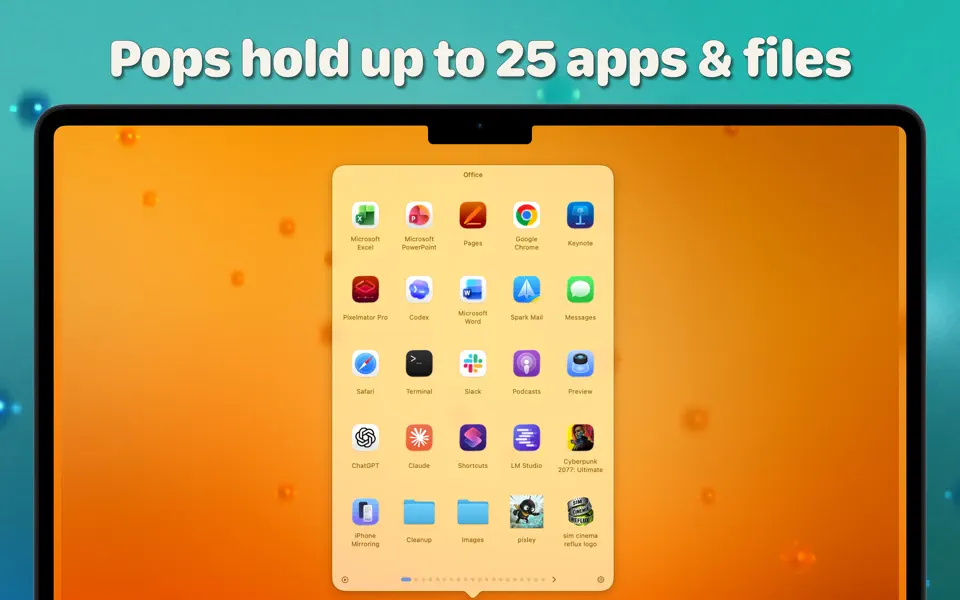
- File & Folder Support: Beyond just apps, you can add documents and directories, complete with QuickLook previews for easy identification.
- SmartyPops (Premium): Leverage on-device AI to receive smart suggestions for items you might need based on your usage patterns.
- MultiPops & Shortcuts: Create multiple independent Dock icons for different categories (e.g., “Work,” “Gaming,” or “Design”) and trigger them via Siri or Spotlight.
- Private by Design: DockPops runs entirely locally. There is zero data collection, no tracking, and no network access required.
What’s New:
Version 4.0:
- Bigger Pops
Premium now supports up to 20 Pops with 25 items each. - Menu Bar mode
Run DockPops from the menu bar instead of the Dock. Choose whether a click opens your Pop carousel or a quick menu. - Multiple Dock Icon Improvements
Companion app Dock Icons no longer stay open or take up CMD+Tab space Add, Move or Remove items from Pops without entering the Organizer window - Folder browsing
Open folders inside a Pop and browse their contents without jumping to Finder. - Now in German and Spanish
Menus, settings, and the organizer speak your language. - Built-in Help
A complete help guide, right inside the app.